
Hangzhou Gaoke Industry&trade Co., Ltd.
Time:2026-02-24 Click:14571 seen
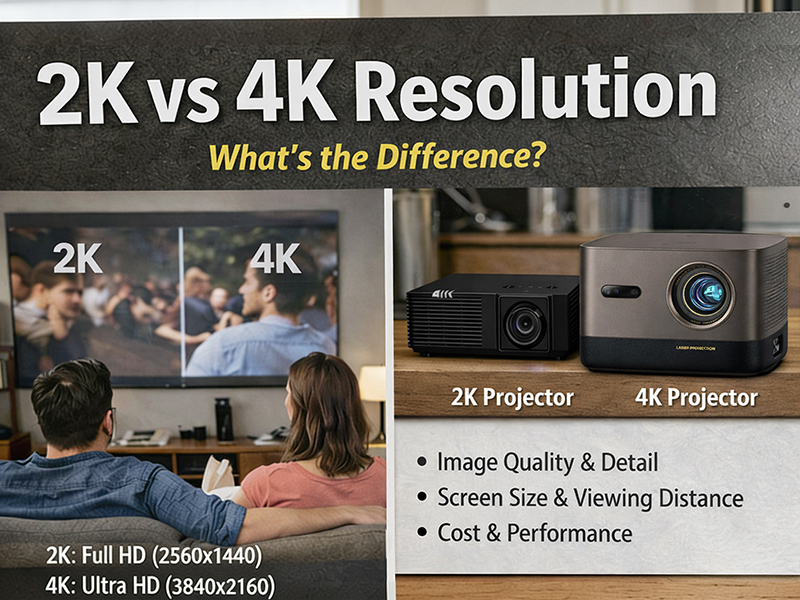
When choosing a monitor or TV, resolution is one of the most important considerations. Currently, the most common resolutions are 2K and 4K. But what exactly are the differences between them? Is 4K really better in terms of picture quality? Is upgrading to 4K worthwhile?
In this guide, we'll detail the key differences between 2K and 4K resolutions to help you choose the one that best suits your needs.
2K resolution typically refers to a display with 2560 x 1440 pixels, also known as 1440p or QHD (four times higher resolution).
Total pixels: approximately 3.7 million
Common screen size: 24–27 inches
Ideal for: gaming, office work, everyday use
2K resolution offers a significant improvement over Full HD (1080p), providing clearer text, sharper images, and richer details.
4K resolution typically refers to 3840×2160 pixels, also known as Ultra High Definition (UHD).
Total pixels: approximately 8.3 million
Nearly double the pixel count of 2K
Ideal for: large screens, professional content creation, cinematic viewing
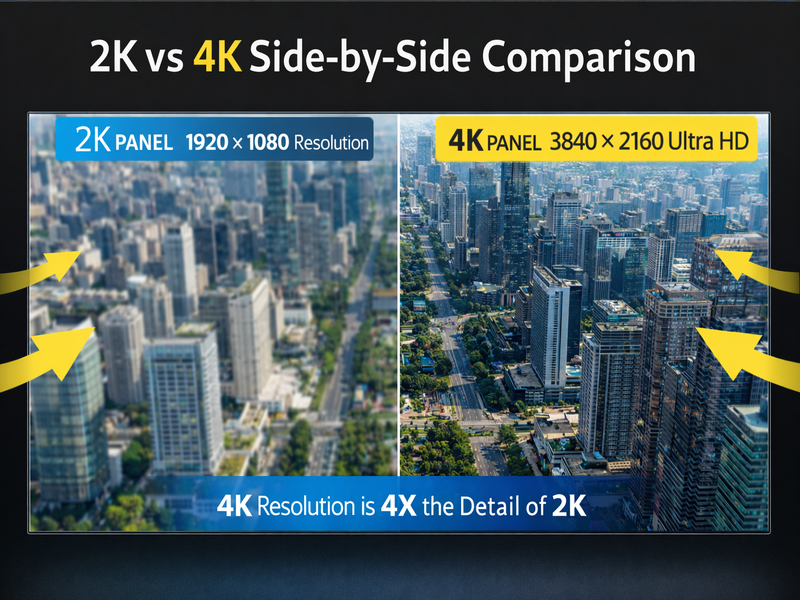
Due to the higher pixel density, 4K displays can present finer details and clearer images, especially on large screens.
| Feature | 2K (1440p) | 4K (2160p) |
| Resolution | 2560 × 1440 | 3840 × 2160 |
| Pixel Count | ~3.7 million | ~8.3 million |
| Image Detail | Very sharp | Extremely sharp |
| GPU Requirement | Moderate | High |
| Best Screen Size | 24–27" | 32"+ or TVs |
| Ideal Use | Gaming, office | Movies, design, large displays |
The answer depends on three main factors:
On smaller screens (under 27 inches), the visual difference between 2K and 4K may not be noticeable.
On larger screens (32 inches and above), 4K becomes noticeably sharper.
The closer you sit to the screen, the more visible the difference becomes.
To fully benefit from 4K resolution, you need native 4K content. Upscaled content may not show significant improvement.
Higher resolution means more pixels to render.
2K provides an excellent balance between image quality and high frame rates.
4K demands a powerful GPU and may reduce FPS on mid-range systems.
Many gamers prefer 2K with high refresh rates (144Hz or higher) over 4K with lower frame rates.
If you work with photography, video editing, or graphic design, 4K allows you to see more detail and work with larger canvases more efficiently.
You want better performance in gaming
You use a 24–27 inch monitor
You prioritize value and efficiency
Your GPU is mid-range
You use a 32-inch or larger display
You watch movies or high-resolution content
You work in creative or design fields
You have a high-performance graphics card
Both 2K and 4K offer excellent visual experiences. The right choice depends on your screen size, hardware capability, and primary use case.
2K delivers strong performance and excellent clarity for most users.
4K offers superior detail and is ideal for larger screens and professional applications.
Before upgrading, consider your needs carefully — resolution alone doesn’t determine the entire viewing experience. Color accuracy, refresh rate, and panel quality also play important roles.

Hangzhou Gaoke Industry&trade Co., Ltd.


+8613706719639


info@hz-gaoke.comservice@hz-gaoke.com
After-sales email:it.support01@hz-gaoke.com

A6 Cainiao Zhigu, Yuhang District, Hangzhou, Zhejiang, China




 中文
中文 English
 +86(571)89986945
 +8613706719639
 +8613706719639
 service@hz-gaoke.com